See what is happening.
Review charger connectivity, connector status, and charging sessions in one workspace.
Plan sites, operate chargers, manage payments, and connect trusted agents through one platform.

Ivora Data Tools helps screen parking layout, estimated electrical capacity, likely code obligations, and illustrative revenue scenarios.
Use the first-pass view to guide conversations with engineers, utilities, and local authorities.
Explore Data Tools Screening estimates do not replace engineering, utility confirmation, or formal compliance review.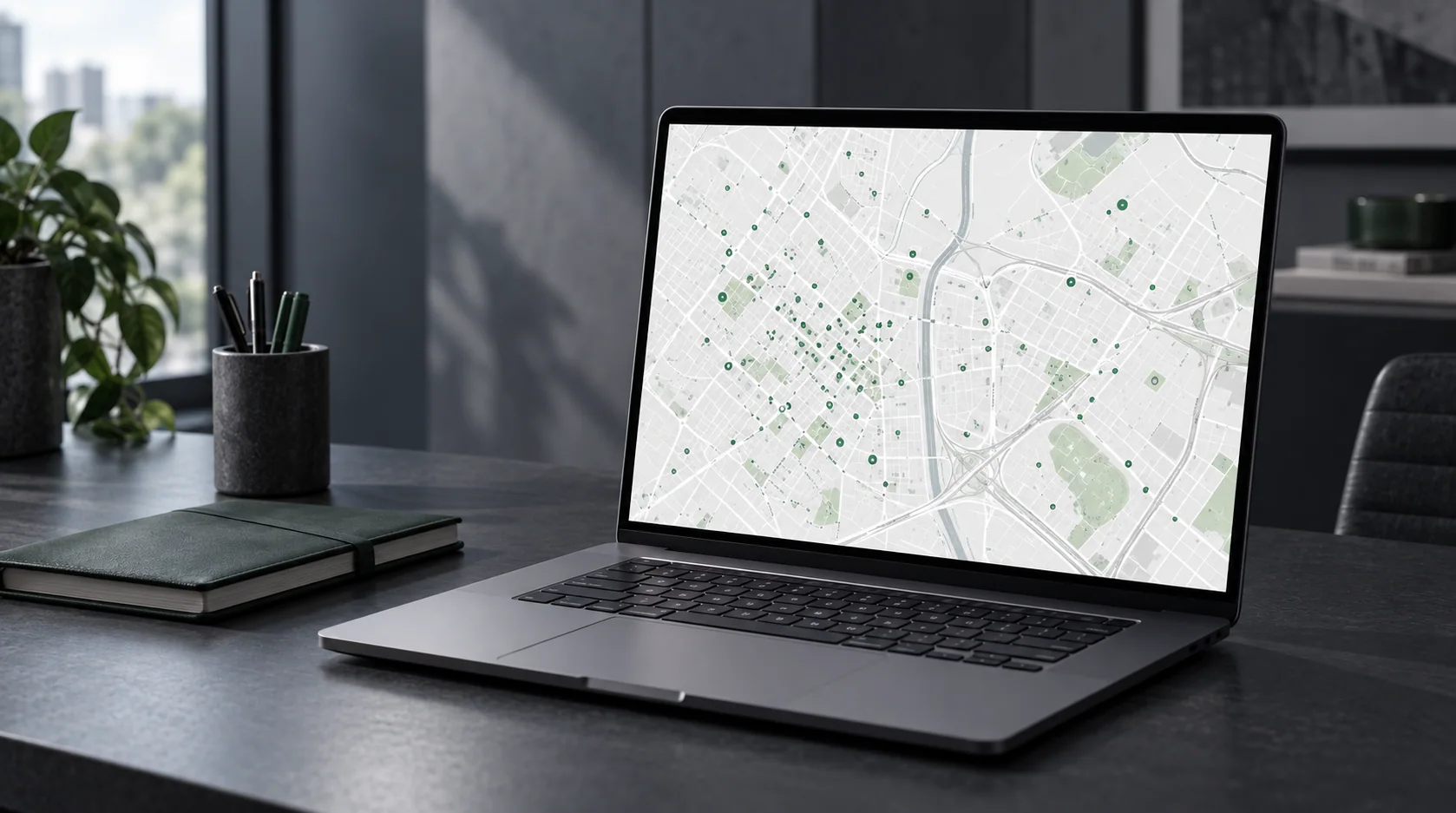
Keep operational details close as your sites grow.
Review charger connectivity, connector status, and charging sessions in one workspace.
Use station details and session history to guide supported remote actions.
Manage locations and team permissions within your tenant-scoped network.
Open protocol support depends on charger model, firmware, and available OCPP functions.
Set a charging rate, offer browser-based QR checkout, and review the sessions and payments behind site activity.
Drivers can see the rate and pay without downloading an app.
Discuss your setup Payment availability, fees, and settlement timing depend on the account and provider. Commercial metering and local requirements still apply.Illustrative journey for supported chargers and payment accounts
Connect a trusted agent client through the documented API and curated MCP tools. Ivora checks current access and permissions on every request.
Open developer tools[mcp_servers.ivora]
url = "https://api.ivoracharge.com/mcp"
bearer_token_env_var = "IVORA_API_KEY"Access requires a scoped API key. The Platform checks permissions on each request.
Tell us about your sites, chargers, and team. We'll help you find the right setup.