Start with what you have.
A supported OCPP charger can connect to Ivora. We'll help you check the model and settings before you make a change.
A place to park. A charger to plug into. Now, a simpler way to offer paid charging at your property.
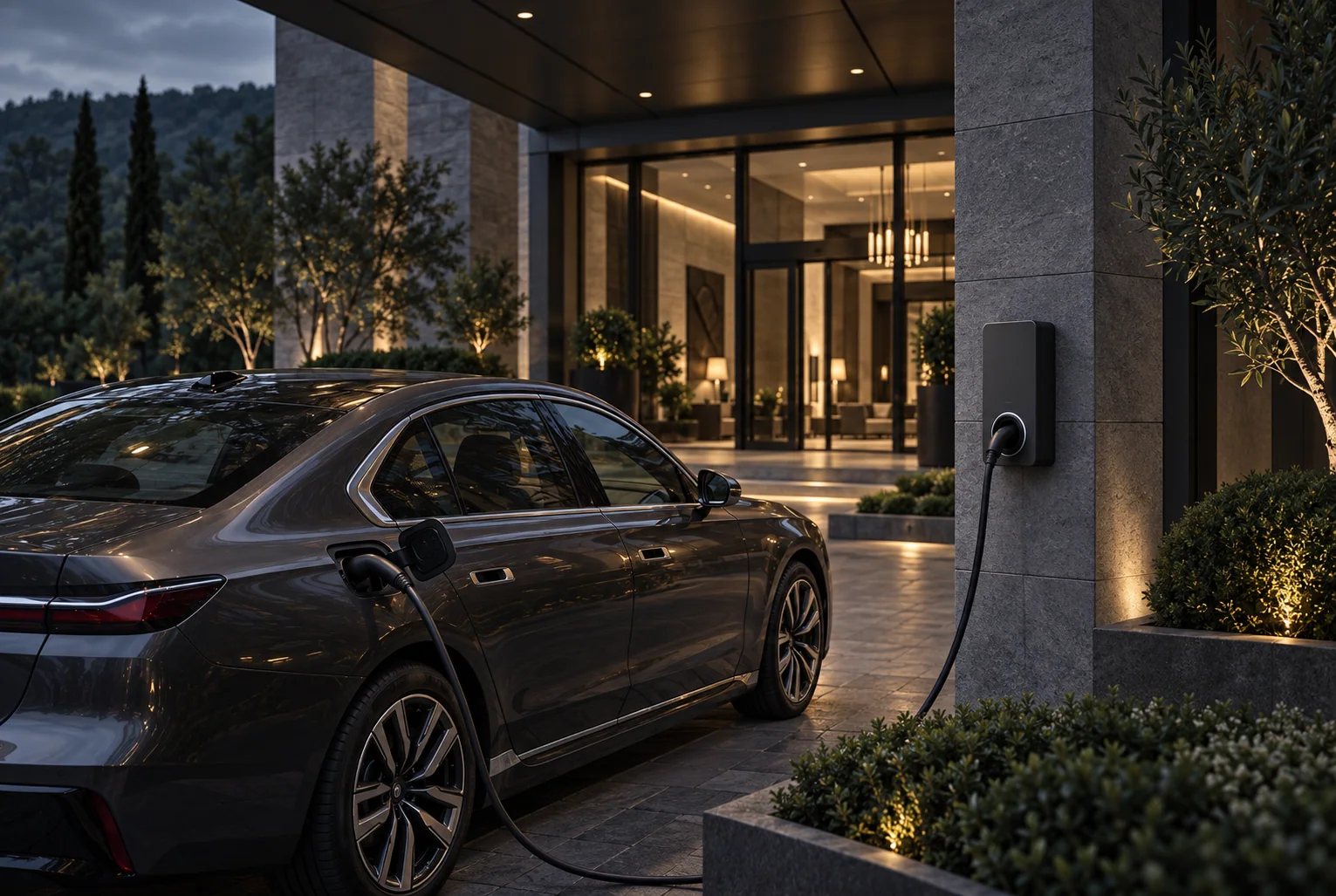
Small property. Thoughtful amenity.
You shouldn't need to run a charging network to offer a useful service. Ivora Host brings the essentials together: your charger, your price, and a straightforward way for drivers to pay.
A supported OCPP charger can connect to Ivora. We'll help you check the model and settings before you make a change.
Set a clear charging price for your property. Drivers see the rate in checkout before they pay.
Keep your charger details, setup progress, and usage overview in a workspace made for property owners.
A guided setup, with the right checks before a driver's first paid session.
Start your setupConfirm compatibility, then connect your supported charger using its OCPP settings. You will need access to the charger configuration.
Name your property, add its address, and choose a clear charging rate for your guests and visitors.
Complete the required payment-account setup. Confirm applicable platform and processing fees with Ivora before enabling paid charging.
Once the connection and payment setup are verified, place your charger-specific QR code where drivers can find it.
No new app to download.
No driver account required.
Place the charger-specific QR code at your charging spot. Drivers open checkout on their phone, review the price, and pay to start a session.
Keep an overview of charging activity and collected payments. Need to offer charging at no cost? Password-protected free charging gives you another option.
The QR code belongs to a specific charger. Charging must be connected and verified before you invite drivers to use it.
Compatibility is about more than an OCPP label. Your model, firmware, and access to its settings all matter.
Check compatibility with usWith firmware that supports the connection and charging controls required by Ivora.
Access to its backend connection settings, and permission to leave any existing charging service.
The charger needs to stay online to communicate and support paid sessions.
Appropriate installation, metering, account verification, and any required local approvals.
Not necessarily. Supported third-party OCPP chargers can connect, but not every model or firmware version is compatible. Check with us before buying equipment or disconnecting an existing service.
You choose your rate. Consider your electricity costs, payment and platform fees, local rules, and the service you want to offer. Charging income depends on actual usage and costs; it is not guaranteed.
Confirm the applicable platform and payment-processing fees with Ivora before enabling paid charging. Payouts depend on completing payment-account verification and on your payment provider's settlement schedule. Contact us if you need help understanding the terms for your property.
Ivora Host is designed for small properties, including vacation rentals. Check your booking channel's payment policies, your property rules, and local requirements before offering or collecting payment for charging. A separate QR payment is not automatically permitted by every booking platform.
No driver app or Ivora driver account is required for QR checkout. Drivers use their phone's browser to review pricing, pay, and start a session at a connected, enabled charger.
Ivora Host is charging software. Electrical installation and physical repairs should be handled by a qualified contractor. We can help with supported charger connection settings and the Ivora setup.
Take the first step with the charger you have.